How do I take a screenshot of a web page from code?
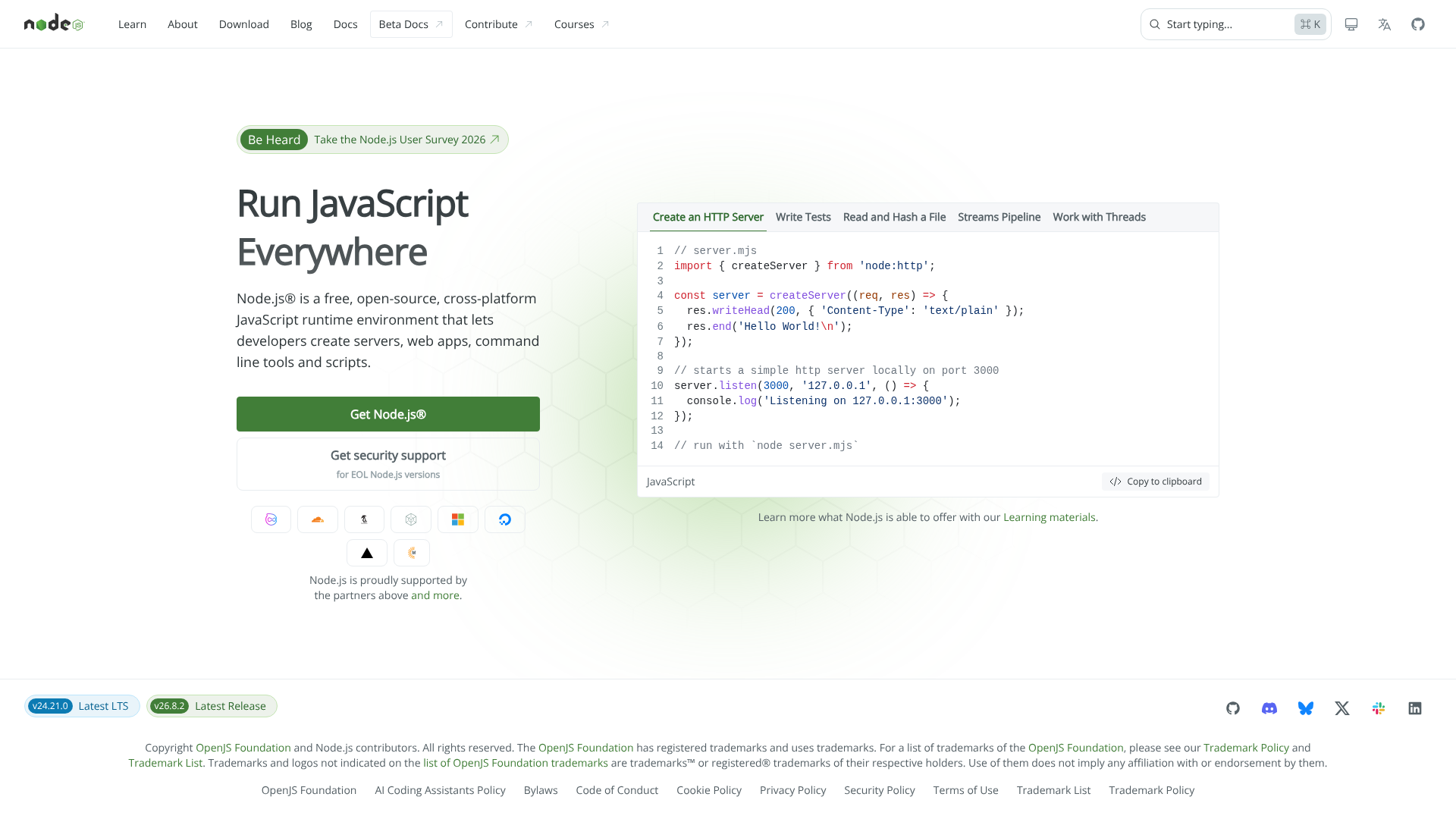
Send the URL, get one row back per URL with a link to the image file. What makes the difference between a useful screenshot and a useless one is not the capture — it is everything that has to happen before it: scroll the page so lazy-loaded images actually load, get the cookie banner out of the shot, block the ad slots that would otherwise be a grey box.
Running a real browser is what makes those possible, and it is also why a screenshot API costs more than an HTTP fetch.
A real run
{
  "urls": ["https://nodejs.org"],
  "device": "desktop",
  "fullPage": true,
  "format": "png",
  "dismissCookieBanners": "hide",
  "blockAds": true
}{
"url": "https://nodejs.org",
"finalUrl": "https://nodejs.org/en",
"ok": true,
"statusCode": 200,
"title": "Node.js — Run JavaScript Everywhere",
"format": "png",
"width": 1920,
"height": 1080,
"pageHeight": 1080,
"truncated": false,
"bytes": 309031,
"device": "desktop",
"scaleFactor": 1,
"durationMs": 1574,
"error": null,
"key": "001-nodejs.org.png",
"fileUrl": "https://api.apify.com/v2/key-value-stores/.../records/001-nodejs.org.png?signature=...",
"attempts": 1
}
The row is meant to be read by a program, so it carries the things a program has to branch
on: finalUrl after redirects, the HTTP status, whether it worked, the real pixel
size, the bytes, and — when a page is taller than the maximum capture — pageHeight
and truncated, so a cut image announces itself instead of looking complete.
The things you will need sooner or later
| What you want | How |
|---|---|
| Just the visible frame | fullPage: false — captures the viewport only |
| An exact frame size | device: "custom" with width and height |
| One element, cropped to itself | selector: "table.infobox" — any CSS selector |
| What a phone sees | device: "mobile" — mobile viewport, user agent and pixel density |
| Retina | scaleFactor: 2 |
| The dark theme | darkMode: true — the page renders as it does for a visitor who prefers dark |
| A page behind a login | session cookies, an extra headers entry, or HTTP Basic auth — all stored encrypted |
| A whole list at once | put every URL in urls and raise concurrency |
What this does not do
- The cookie banner is hidden, not accepted. Nothing is clicked on your behalf. That keeps the shot clean and it also means the page stays in its pre-consent state — which is the honest thing to capture, but it is not the same as a page you have consented on.
- Locale is not location.
localeandtimezonechange what the browser asks for, and a site that serves translations by header will answer in that language. They do not change the IP address, so prices and regional redirects that are decided by geolocation will not follow. We measured this on four sites with prices: the pages came back byte for byte identical. If you need the currency of another country you need a proxy in that country, which is a different tool. - Video, scroll animations and anything that needs interaction are outside what a single capture can show.
What it costs
$0.01 per successful capture. A URL that fails — DNS, timeout, a page that never loads — is not charged, even though it consumed browser time on our side. That is the trade we chose: you should not pay for an image you did not get.
The tool that does it
Website Screenshot & PDF Generator API on Apify Store.
$0.01 per successful capture. No start fee, no subscription. A URL that fails is not charged.